A virtual room to hang out with friends
Keep a place for the people you already talk to. WorkDash runs in a browser, so your group can meet in the lounge, talk between games, and come back to the same workspace another night.
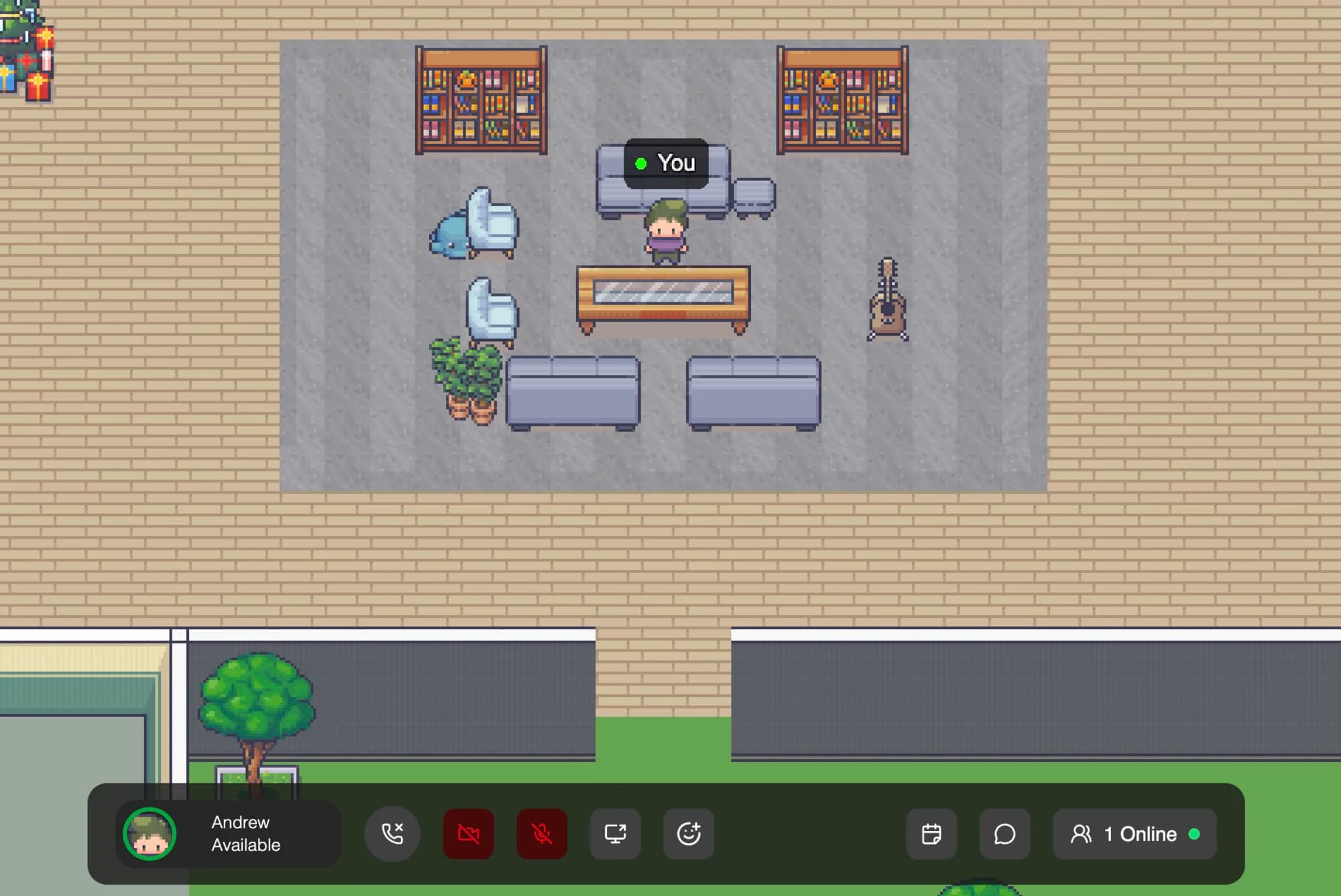
Built for the time between games
WorkDash started with a group of former coworkers who kept a call open while playing Dota. The shared world gives that group a place to meet before a match and hang out afterward. It is a separate browser app, not an in-game voice integration.
One world, separate conversations
Walk into the café or the campfire to hear the people in that room. Move to another room to change conversations. Everyone in the same room hears each other; moving a little farther across it does not lower their volume.
For a quieter session, switch to desk mode for text channels and threads without moving an avatar. Video and screen sharing are also available.
Your first night in the room
- Create your group's workspace. Sign in with Google or a magic link sent to your email, then give the workspace a name.
- Invite a few friends. Send the workspace invite link through the chat you already use. Each friend signs in to join.
- Meet in the same room. Allow microphone access and check that everyone can hear each other before launching a game.
- Come back when you feel like it. Use the same workspace next time. A persistent workspace does not mean anyone has to stay connected.
What to know before inviting everyone
WorkDash is free in early access, with no card required. It is intended for small groups of about twenty, and a laptop is currently the smoother experience. Phones can use the browser and an on-screen joystick. There is one shared world layout rather than a map editor.
Compare it with Discord for friend groups or a Gather-style hangout. For microphone troubleshooting, see getting started.